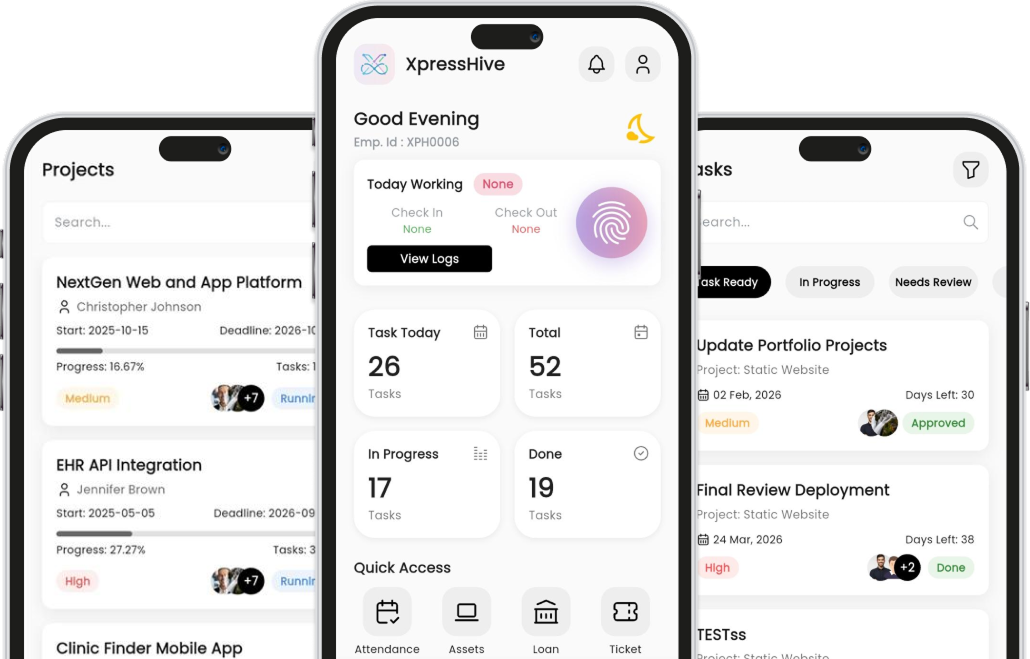
Everything You Need
All the tools your team uses daily built into one simple app.
Attendance
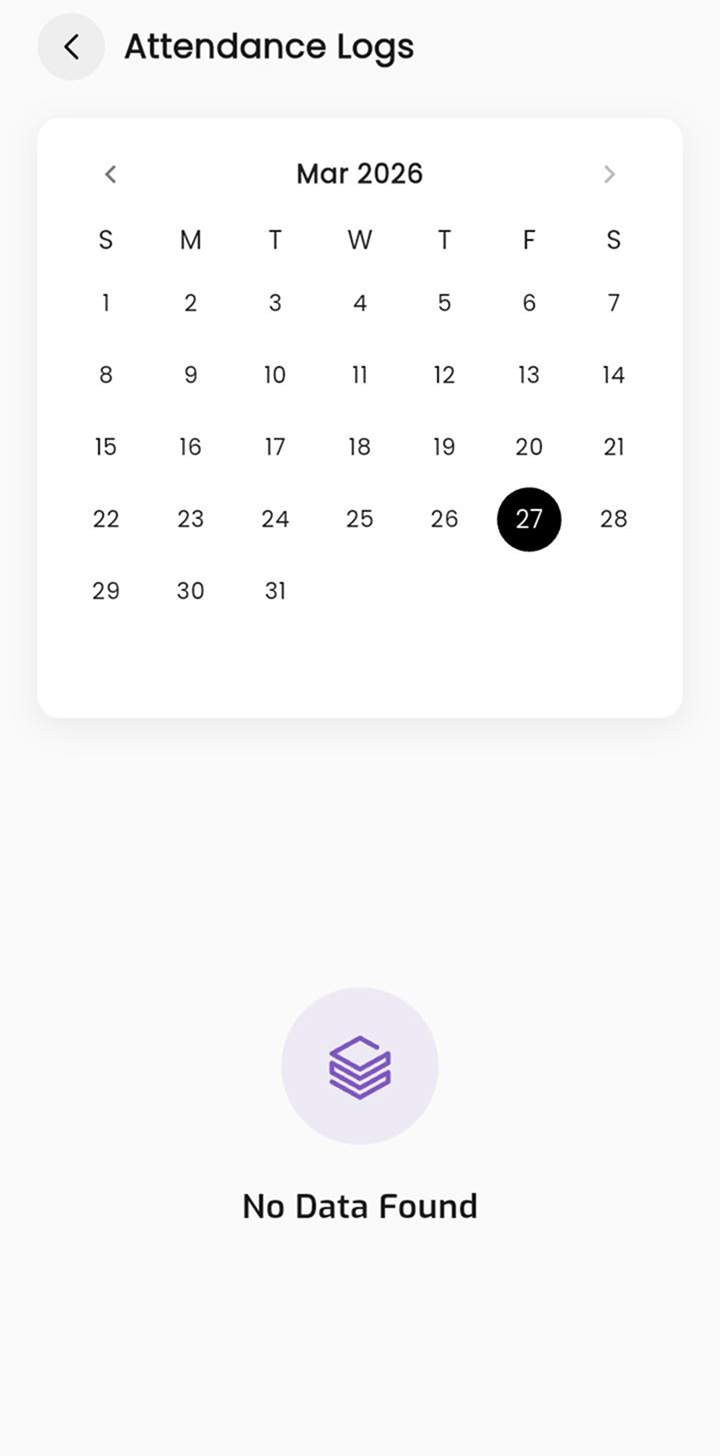
Check in and check out from your phone using fingerprint or location. View your daily working hours and past attendance logs anytime.
Leave Requests
Need a day off? Apply for leave in a few taps. Check your pending, approved, or rejected requests and see how many leaves you have left.
Projects
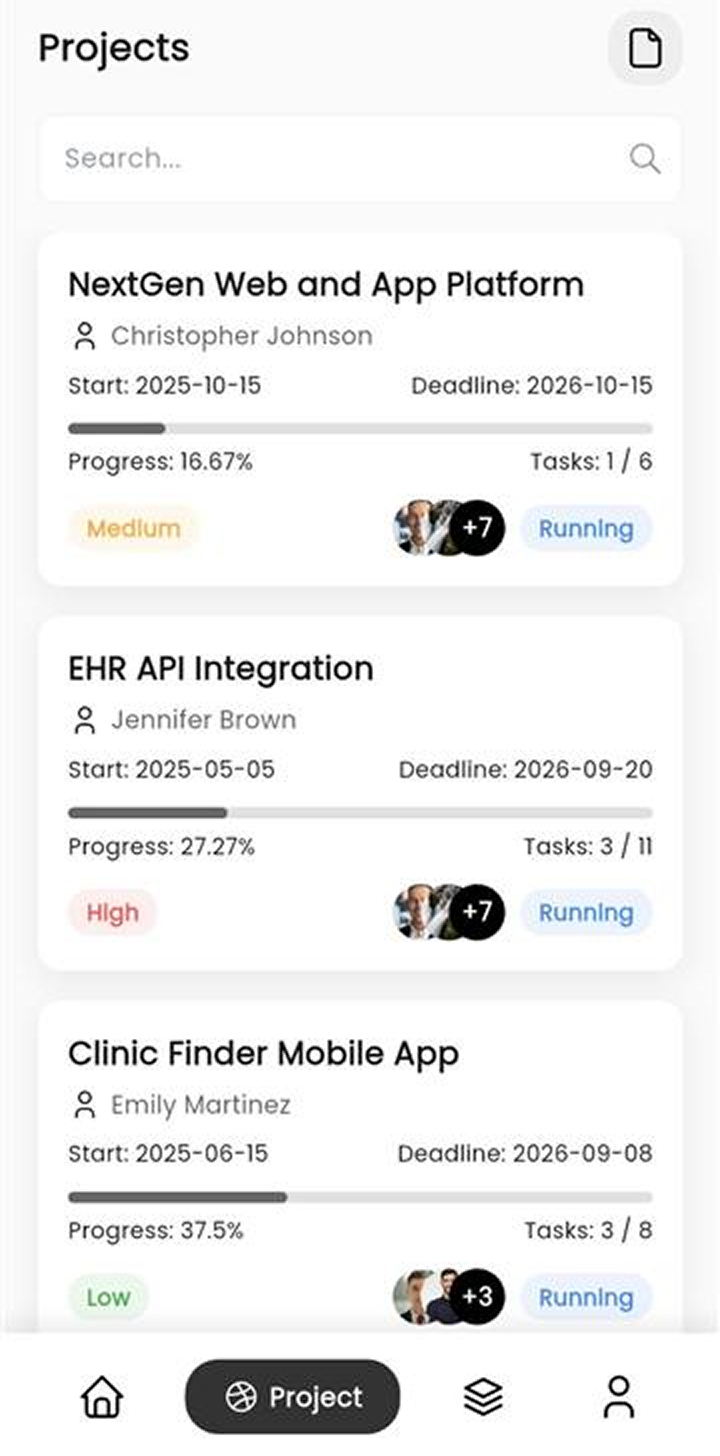
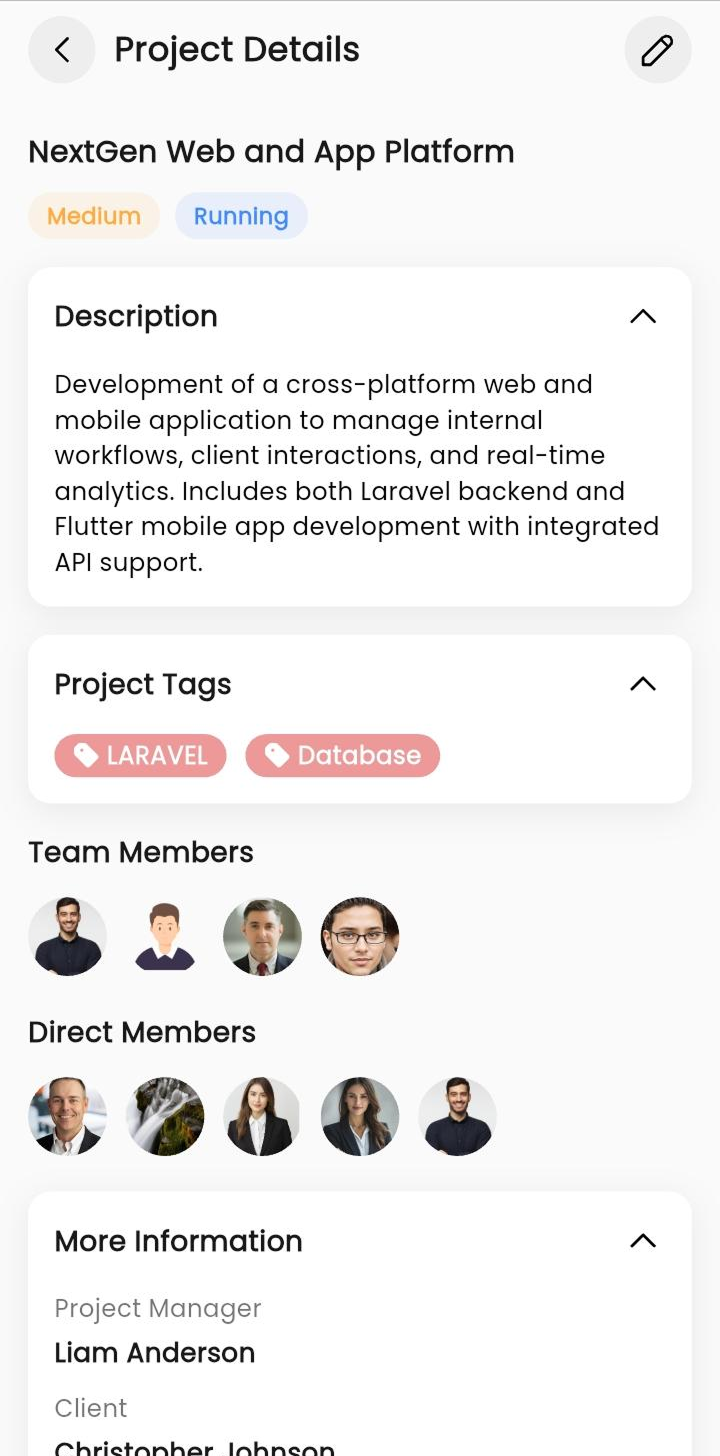
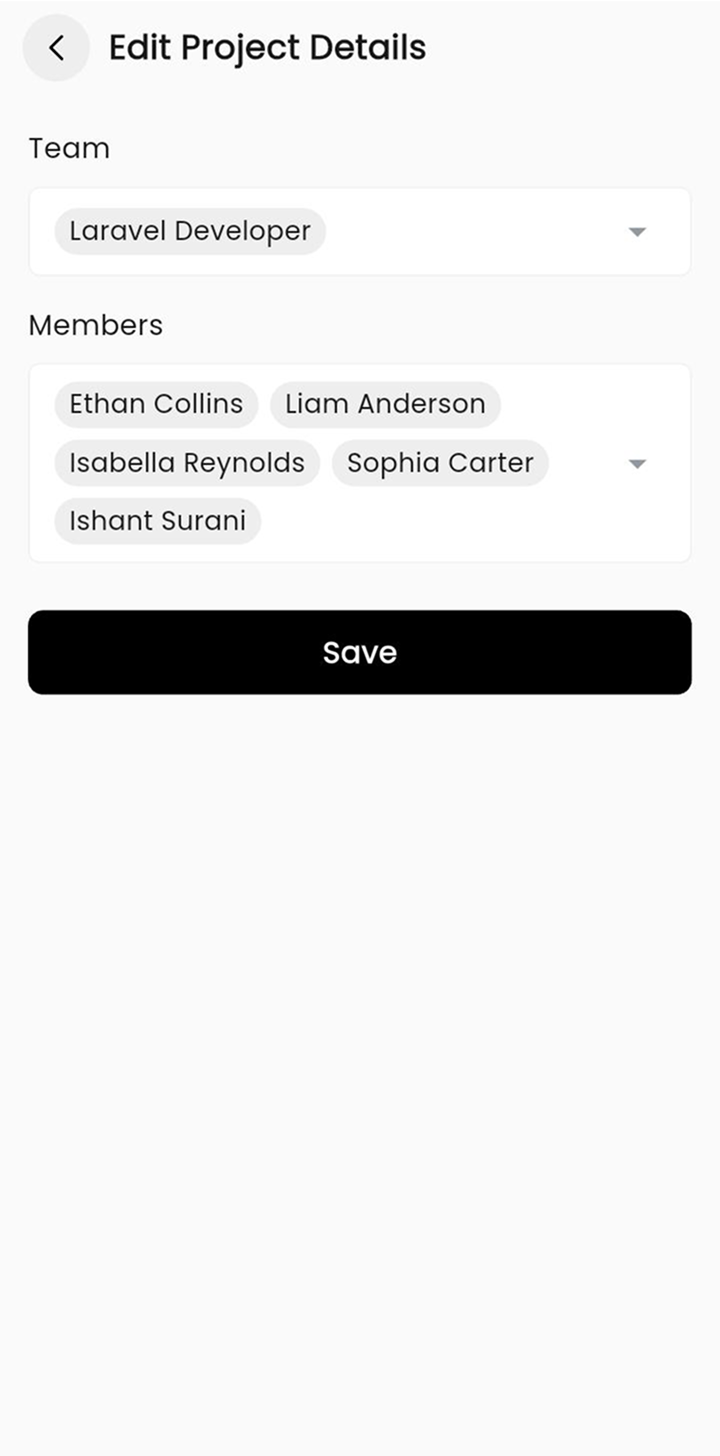
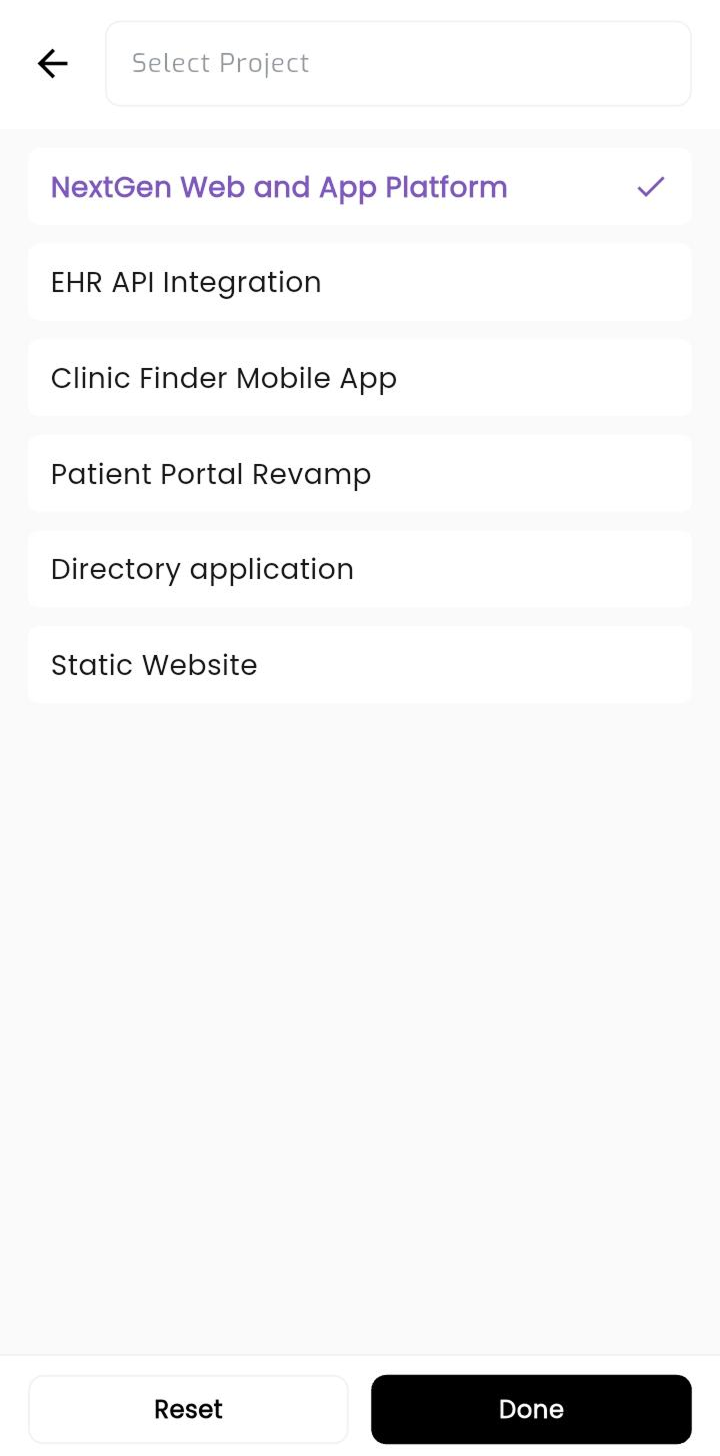
See all your projects in one place - who's working on them, how far they've come, and when they're due. Add team members and set priorities easily.
Tasks
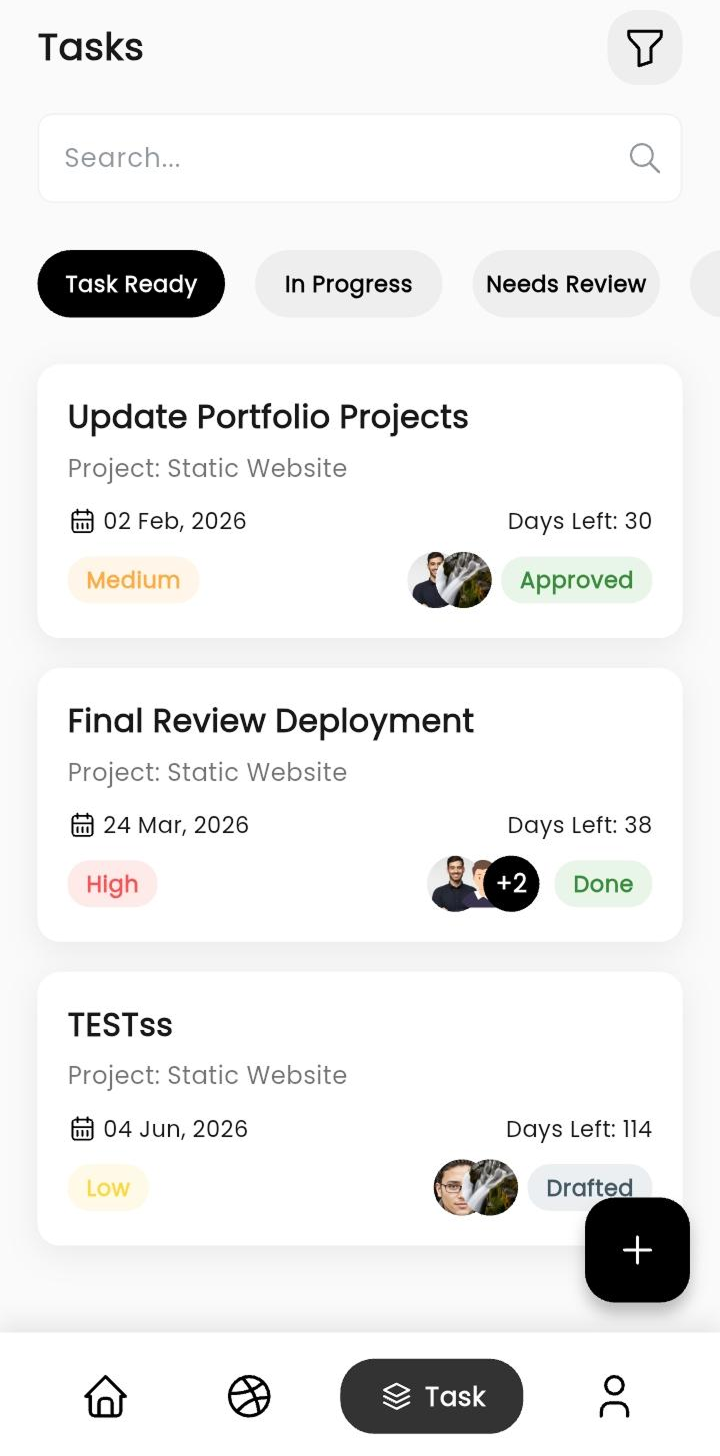
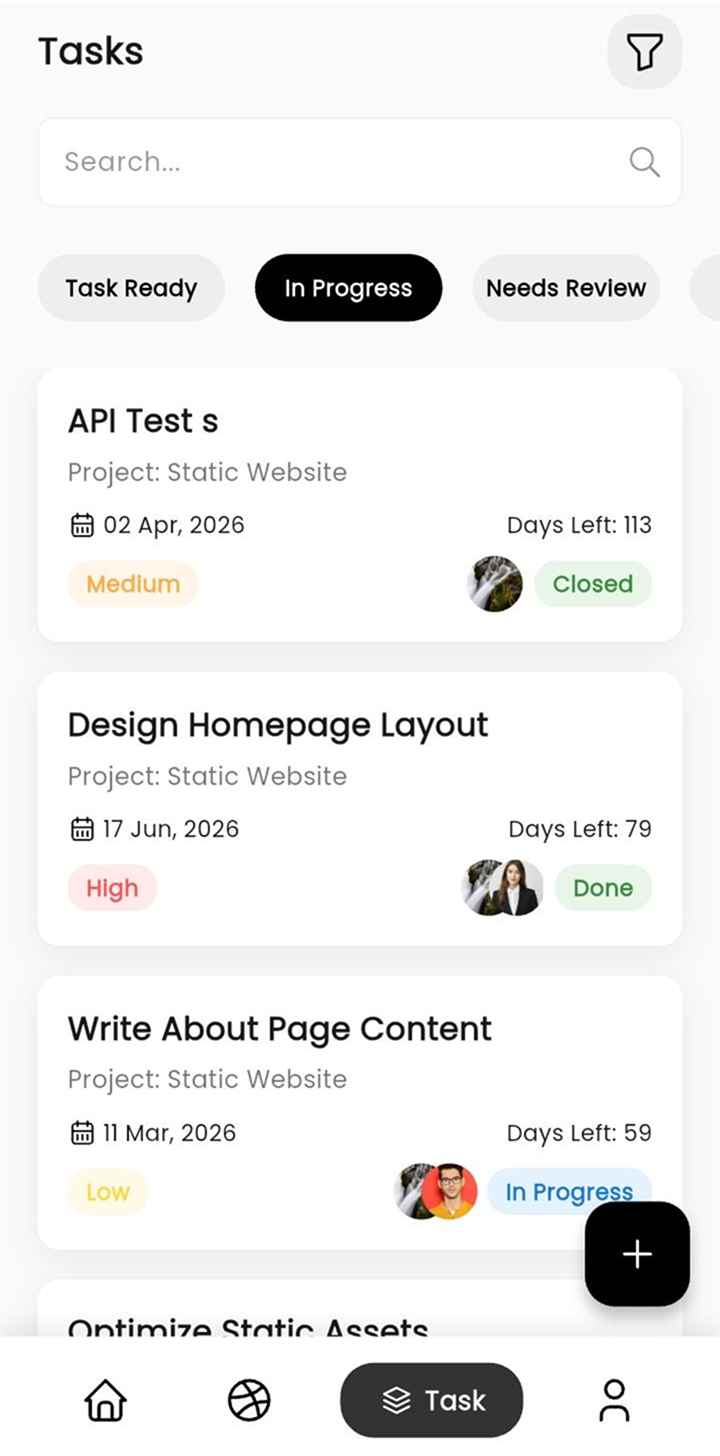
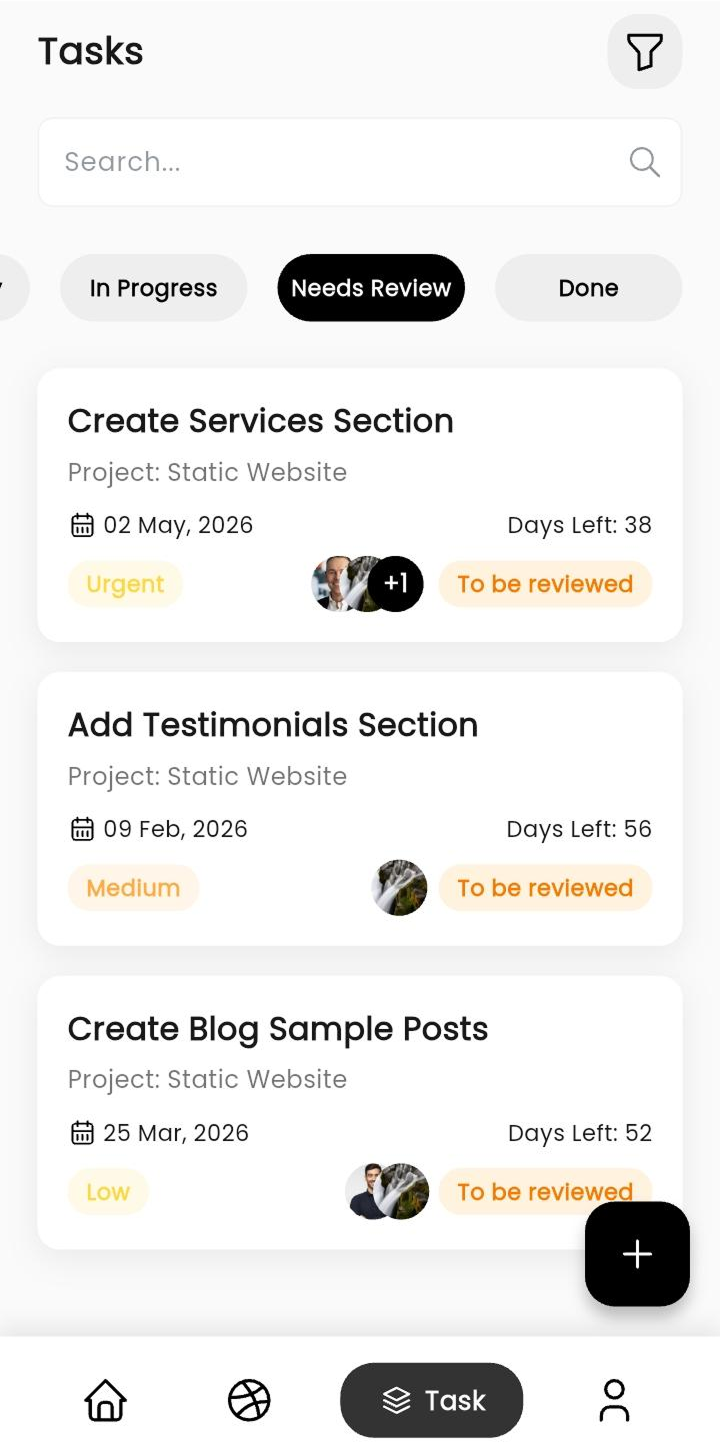
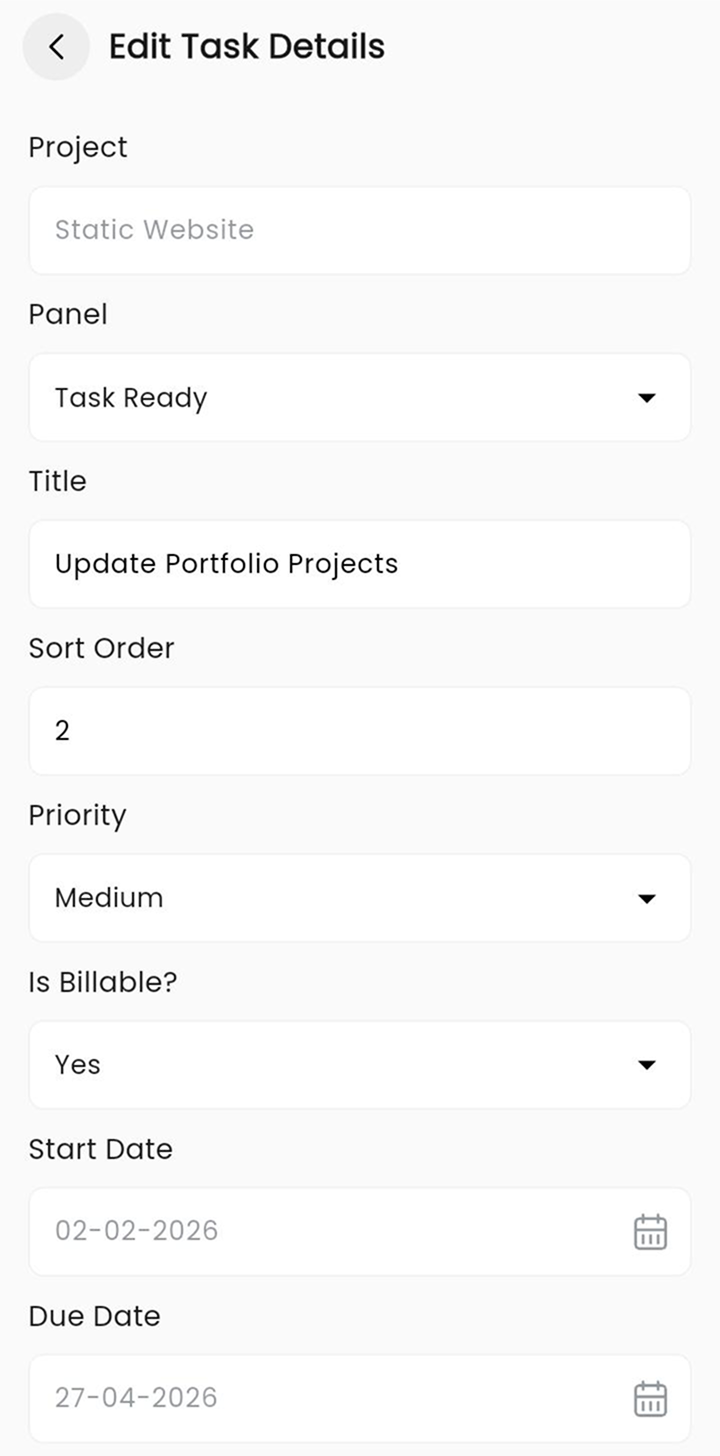
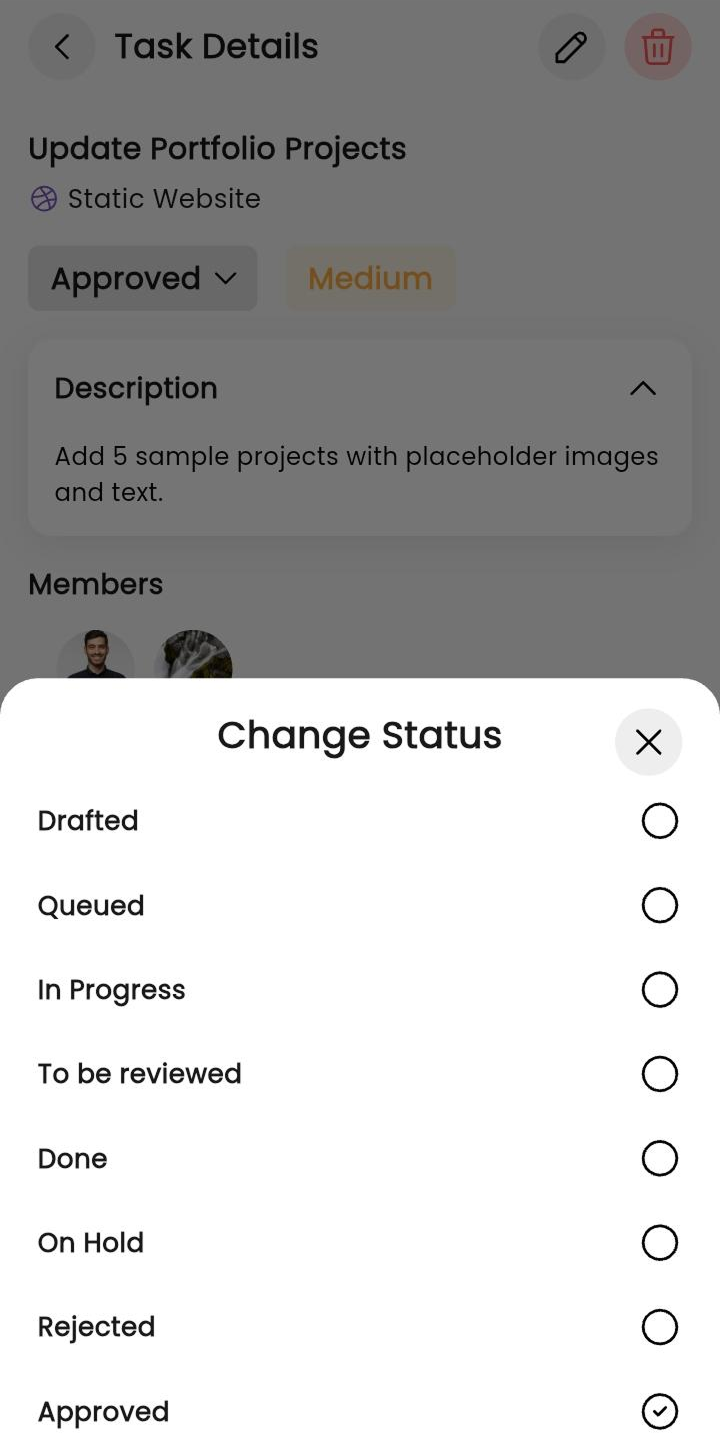
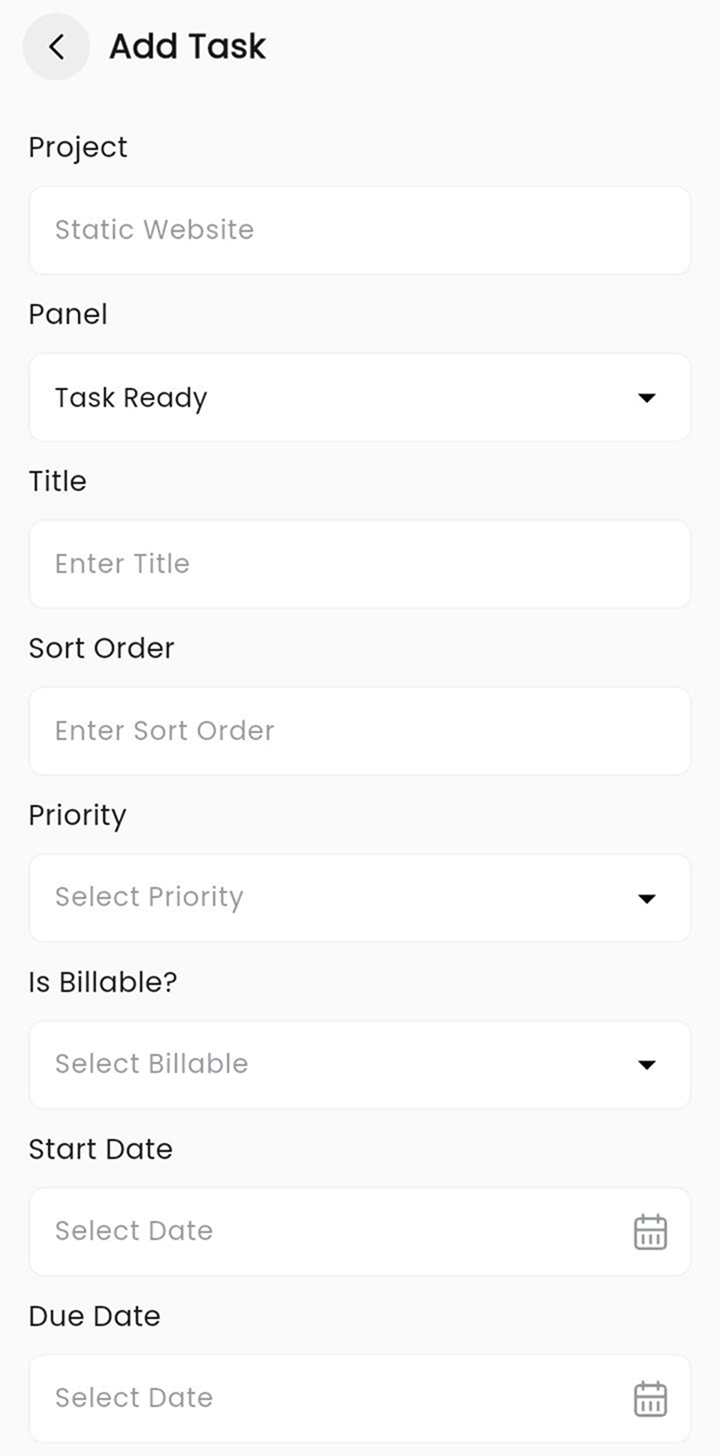
Create tasks, assign them to people, and move them through stages - from draft to done. Add comments, files, and track deadlines easily.
Support Tickets
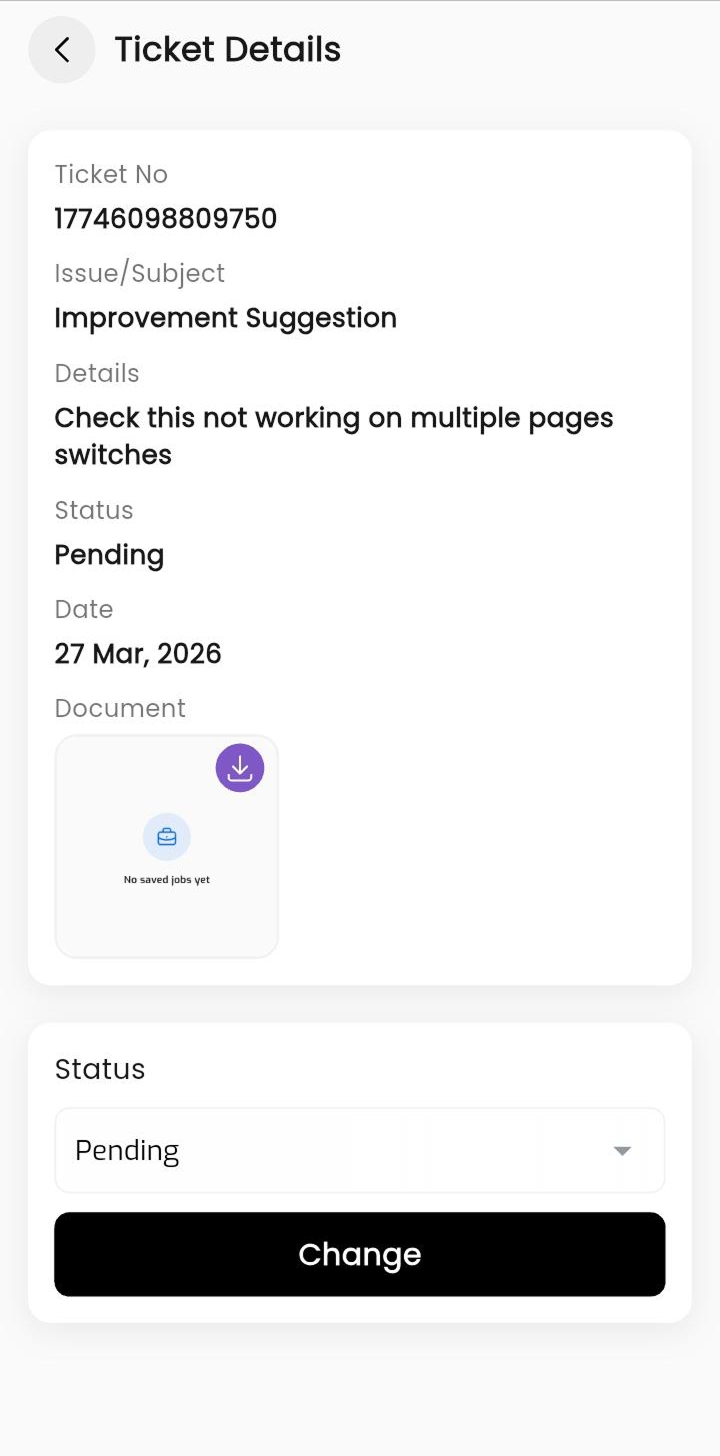
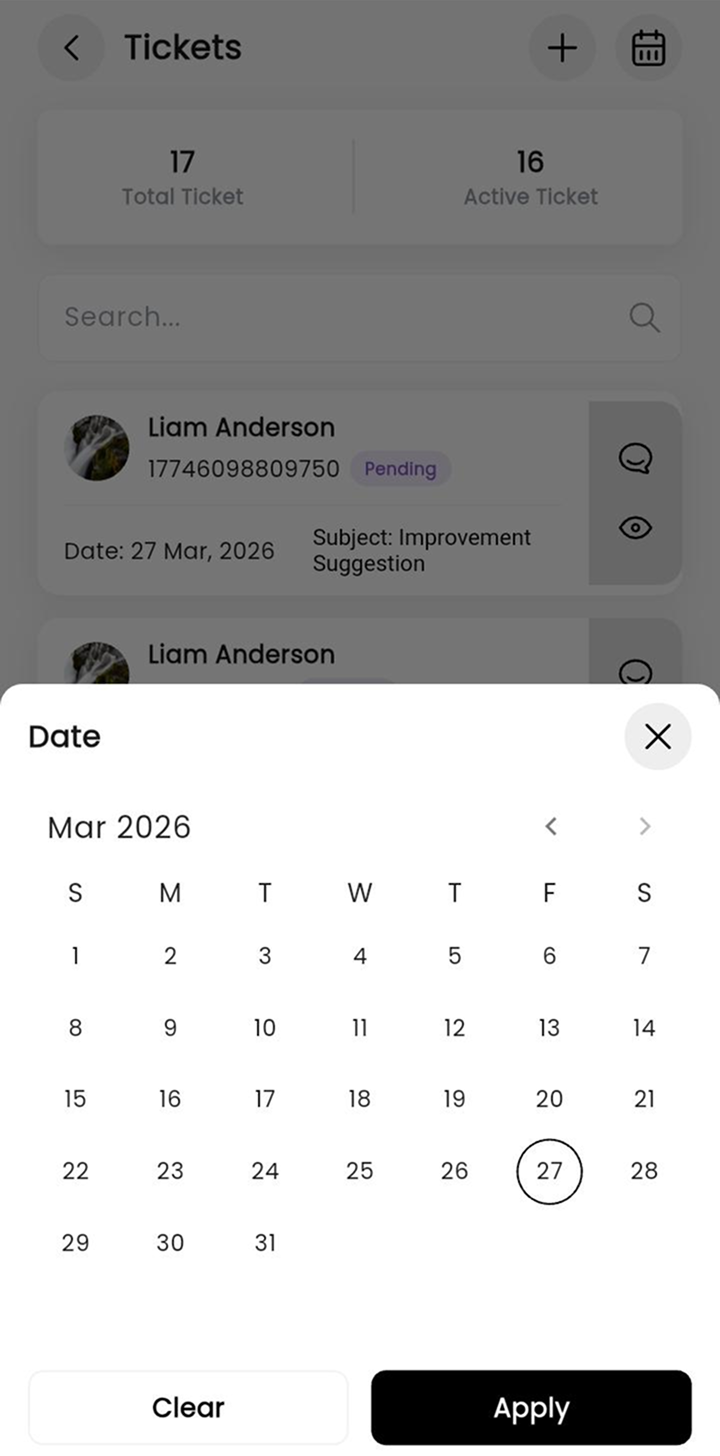
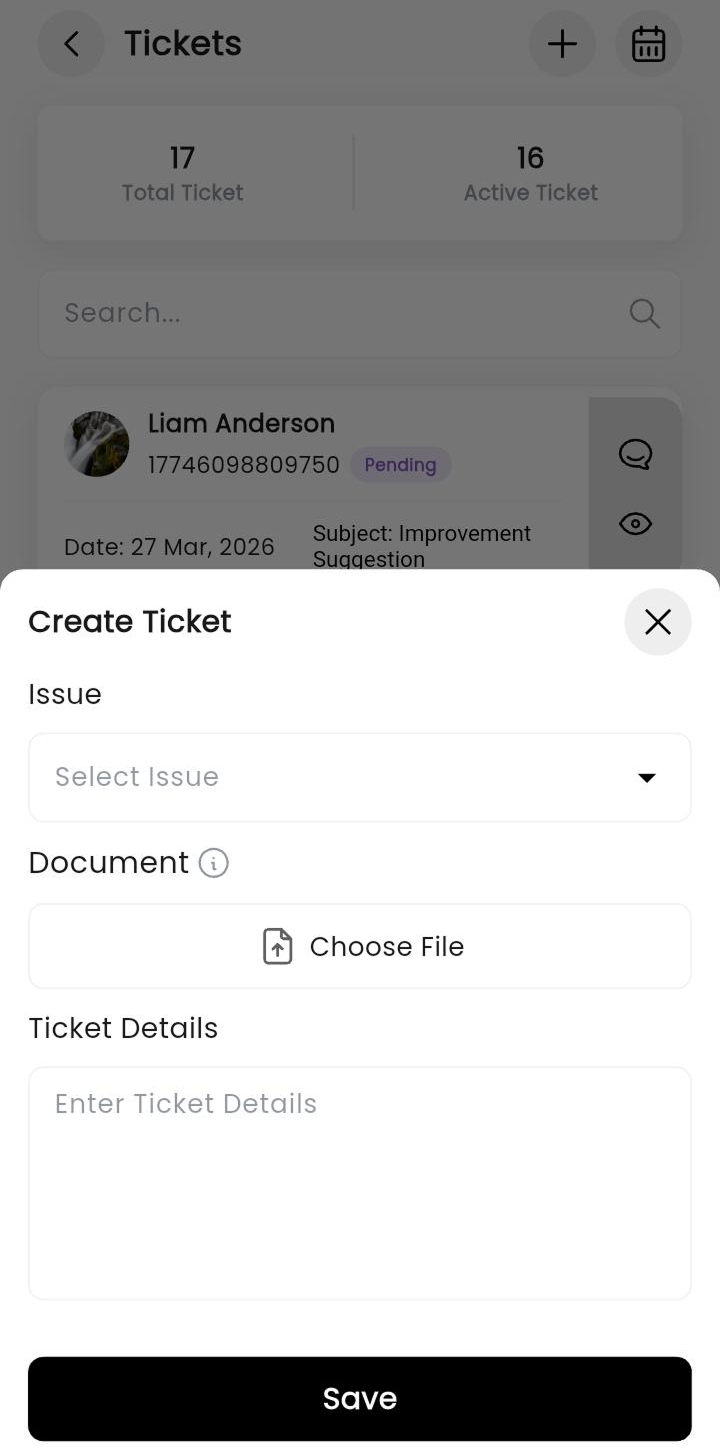
Have a problem or suggestion? Raise a ticket with details and attach files. Track its status - pending, reopened, or resolved - all in the app.
Loans
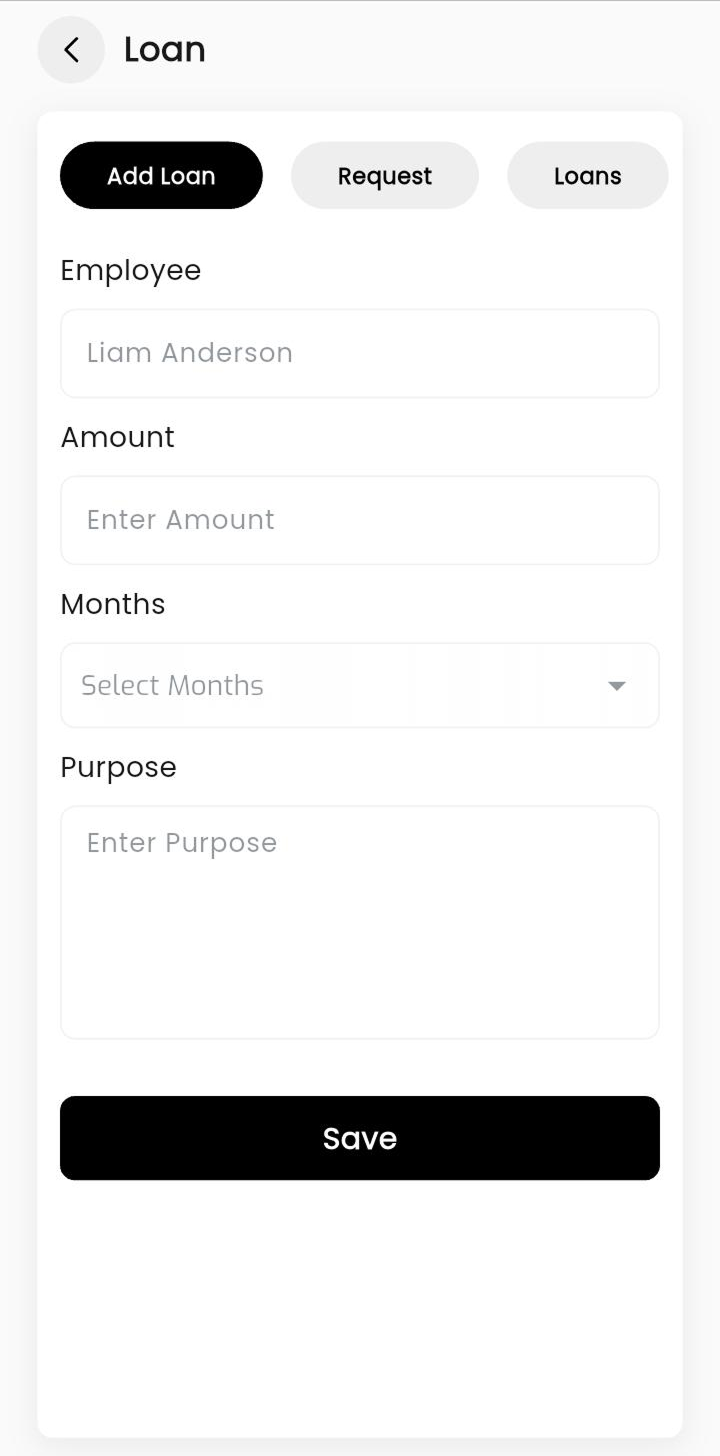
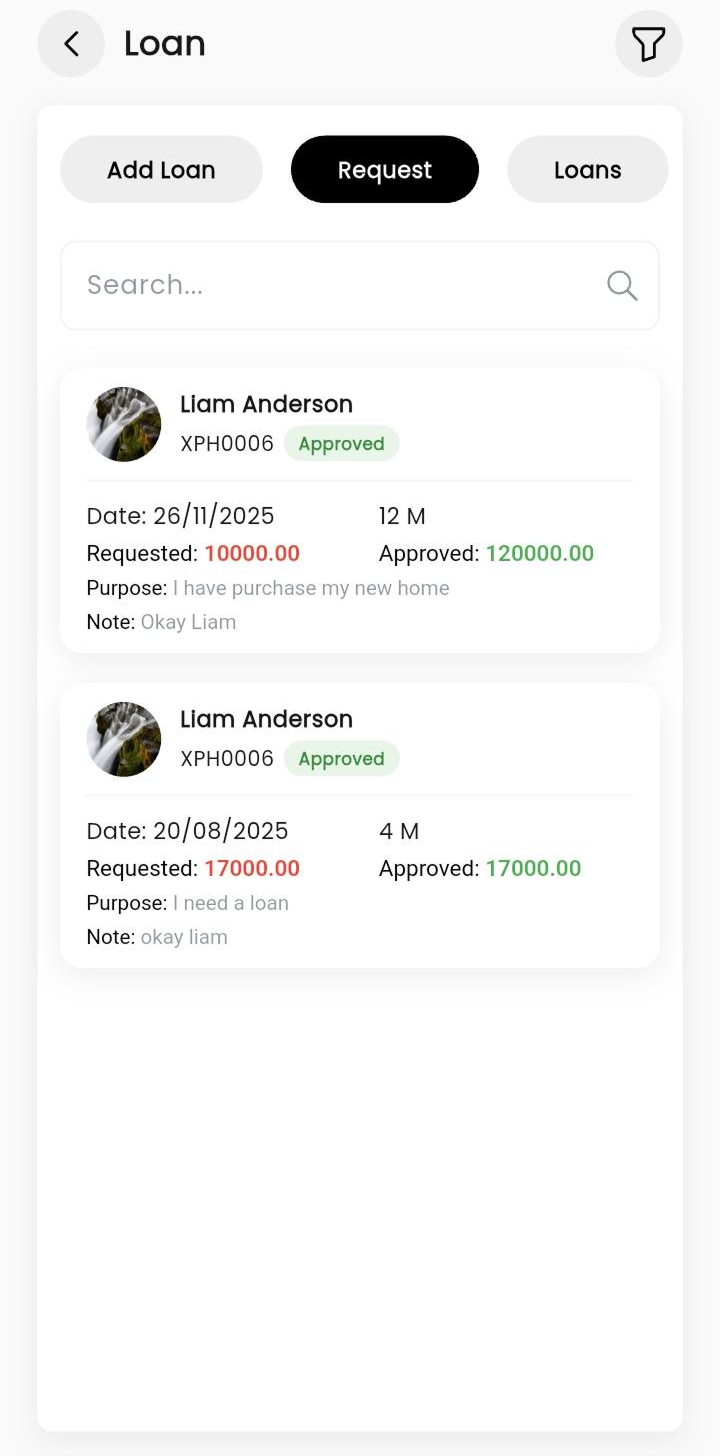
Apply for a company loan - enter the amount, duration, and reason. Once approved, track your monthly payments and remaining balance.
Salary & Payslips
View your monthly salary breakdown, download payslips, and check deductions. Everything about your pay is just a tap away.
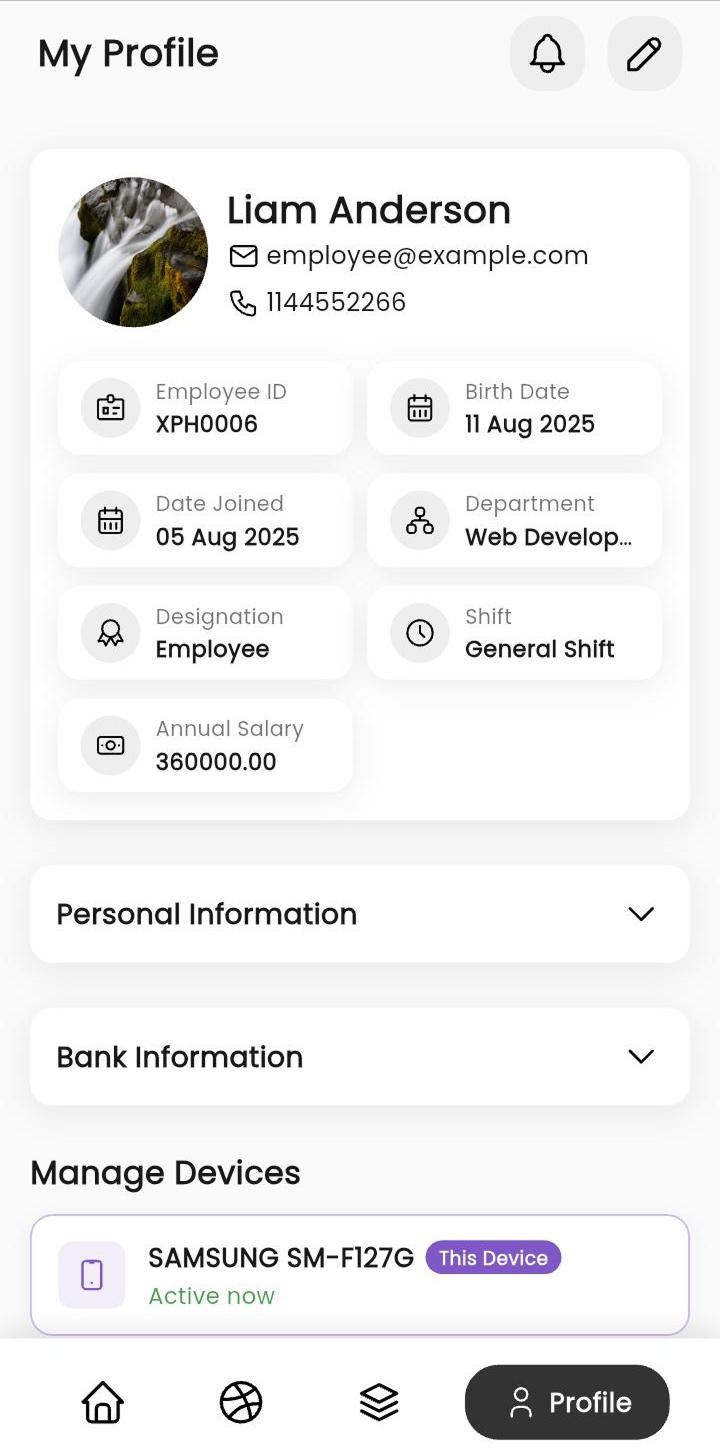
My Profile
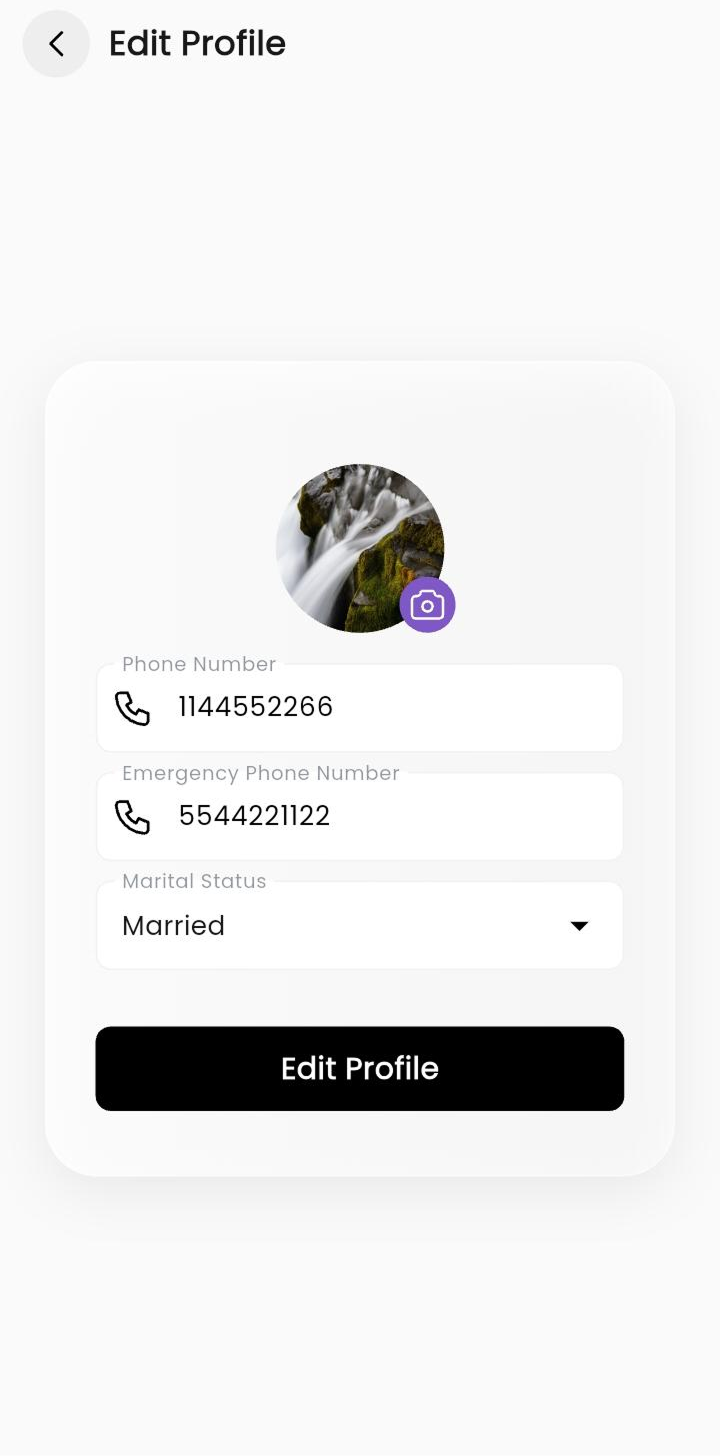
See all your details - Employee ID, department, designation, and salary. Update your phone number, photo, and emergency contact anytime.
Company Assets
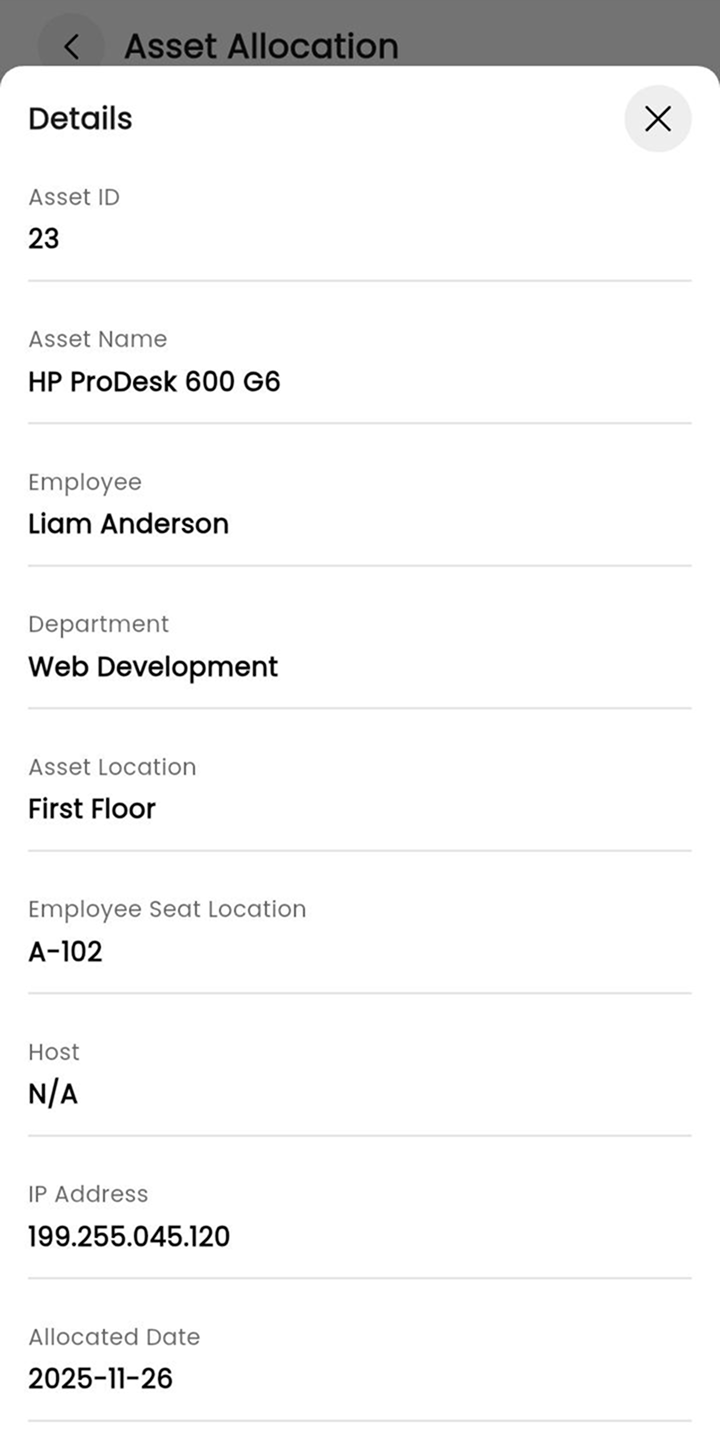
Check what equipment the company has assigned to you - laptop, desktop, or other items - with seat location, IP address, and date given.
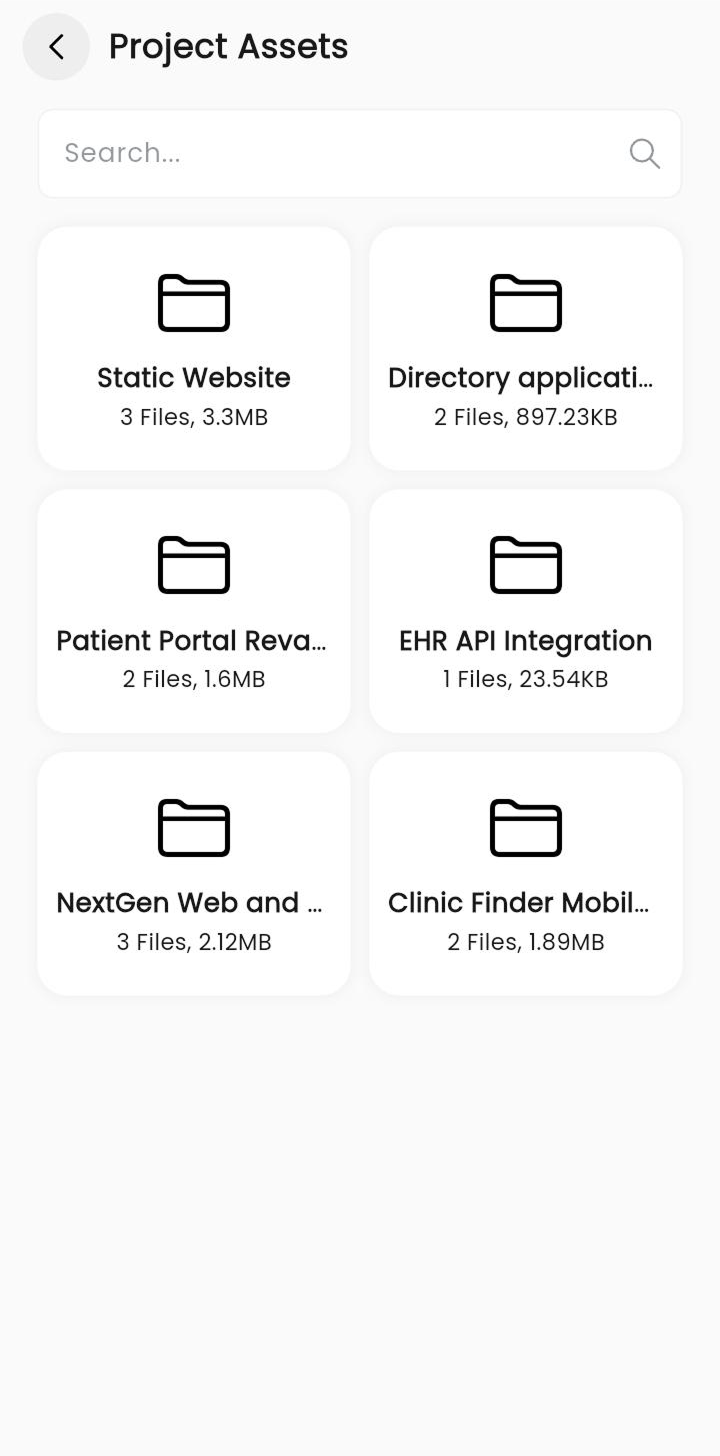
Project Files
All project documents are saved in one place. Browse files by project, see the file count and size, and access what you need quickly.
Notifications
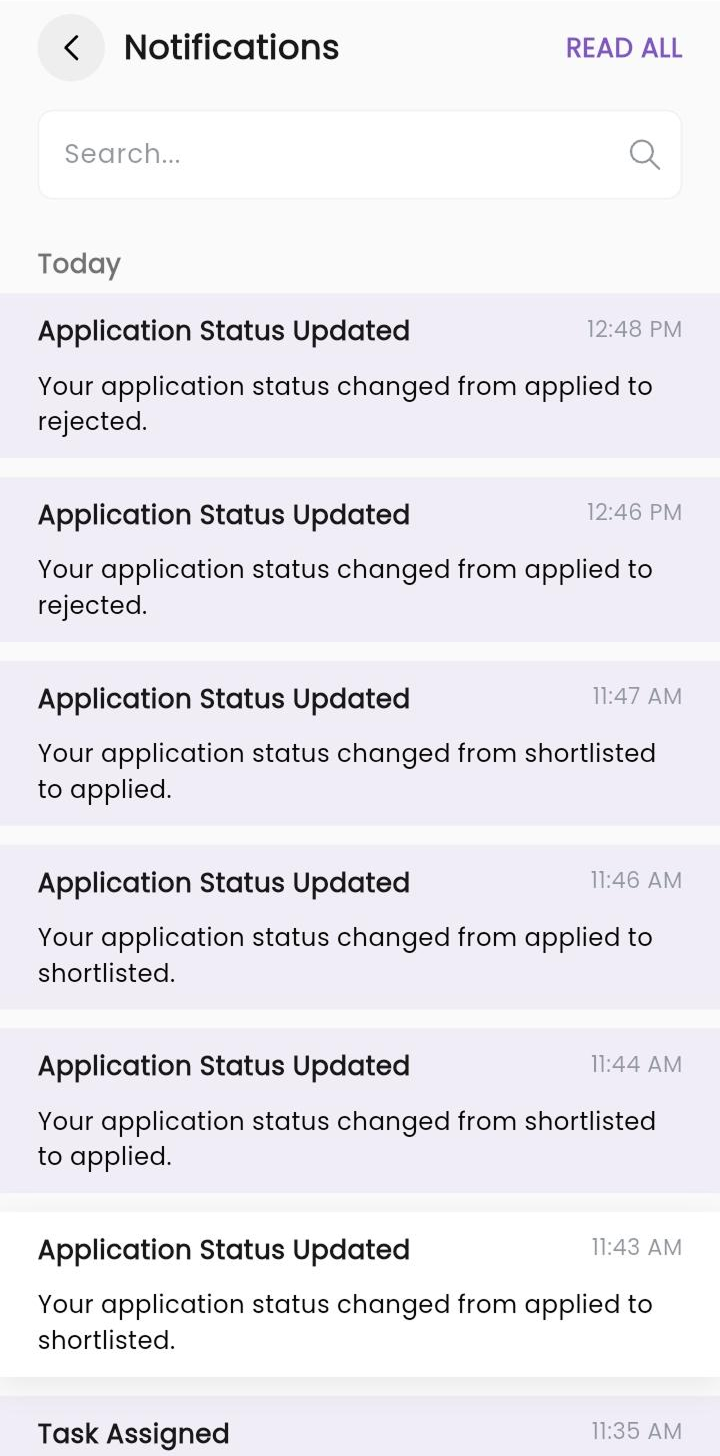
Get instant alerts when a task is assigned, a leave is approved, or a ticket is updated. Stay informed without opening anything else.
Team Directory
Find any colleague by name, see their phone number or email, and check if they're available or on leave - before you reach out.
Interviews
Manage candidate interviews easily. Check schedules, interview status, and feedback - all in one place without confusion.
Leads
Track business leads from start to conversion. Add new leads, update status, and follow up without missing any opportunity.
Timesheet
Log your daily work hours and track time spent on tasks or projects. Helps you stay productive and manage your time better.
Holidays
View the company holiday list anytime. Know upcoming holidays in advance so you can plan your work and time off easily.
Notice Board
Stay updated with company announcements, important updates, and notices. Never miss any important information.
Reports
Generate detailed reports for attendance, performance, projects, and more. Get insights that help you make better decisions.
Keep All Your Projects
On Track,
Always
See how each project is going, who's working on it, and when it's due - right from your phone. No more guessing or chasing updates.
See Progress Instantly
Check how far each project has come with simple progress bars and task counts.
Add Your Team
Pick the right people for each project. Add team members and see who's assigned at a glance.
Know What's Urgent
Every project shows its priority (Low, Medium, High) so you always know what needs attention first.
Manage Your Tasks
Step by Step
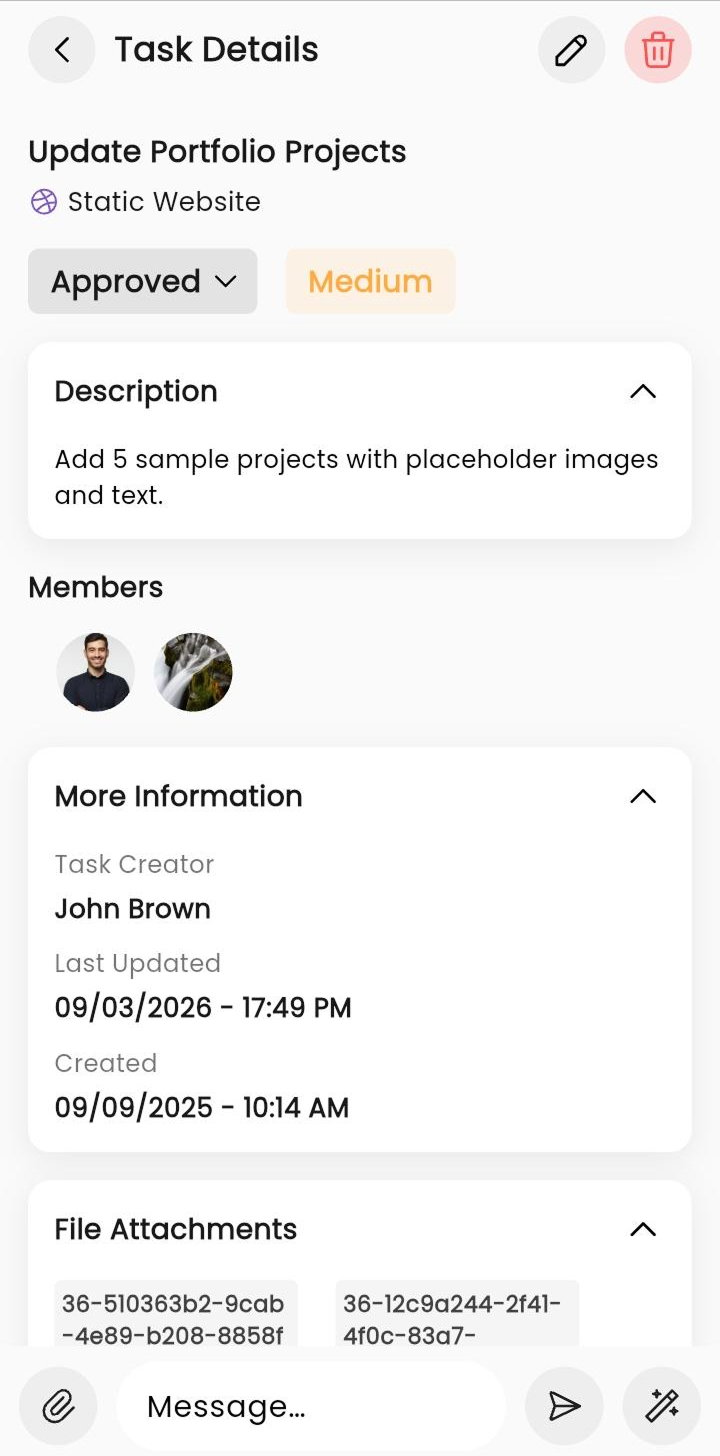
Create tasks, move them through stages, and see exactly what's been done and what's pending. Nothing falls through the cracks.
Filter by Status
Tap a tab to see only the tasks you want - ready, in progress, needs review, or done.
Chat on Tasks
Leave comments, share files, and talk to your team - all inside the task itself.
Never Miss a Deadline
Each task shows how many days are left, so you can plan your time better.
Tickets, Loans &
Company Assets
Need help? Raise a ticket. Need a loan? Apply right from the app. Check what company equipment is assigned to you - all without any paperwork.
Raise a Ticket
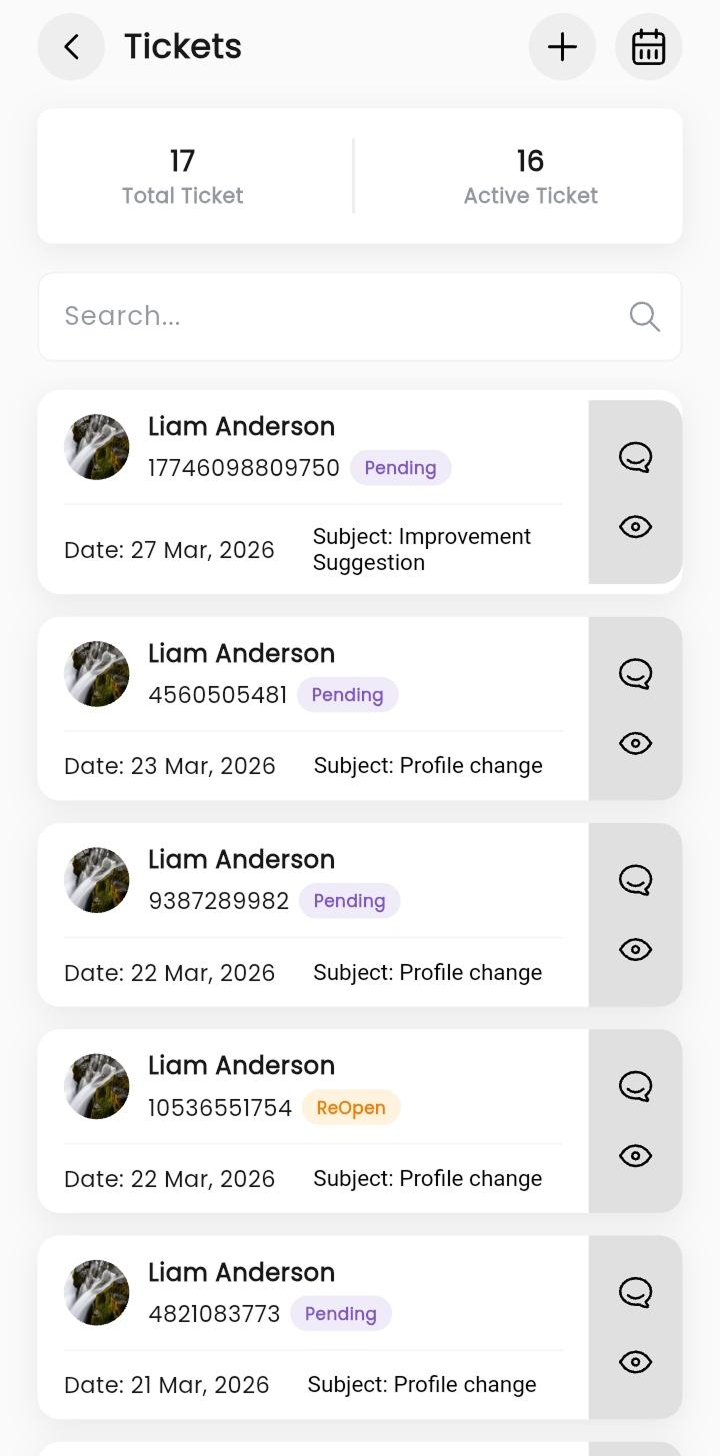
Got an issue? Create a ticket with details and files. Track if it's pending, reopened, or resolved.
Apply for a Loan
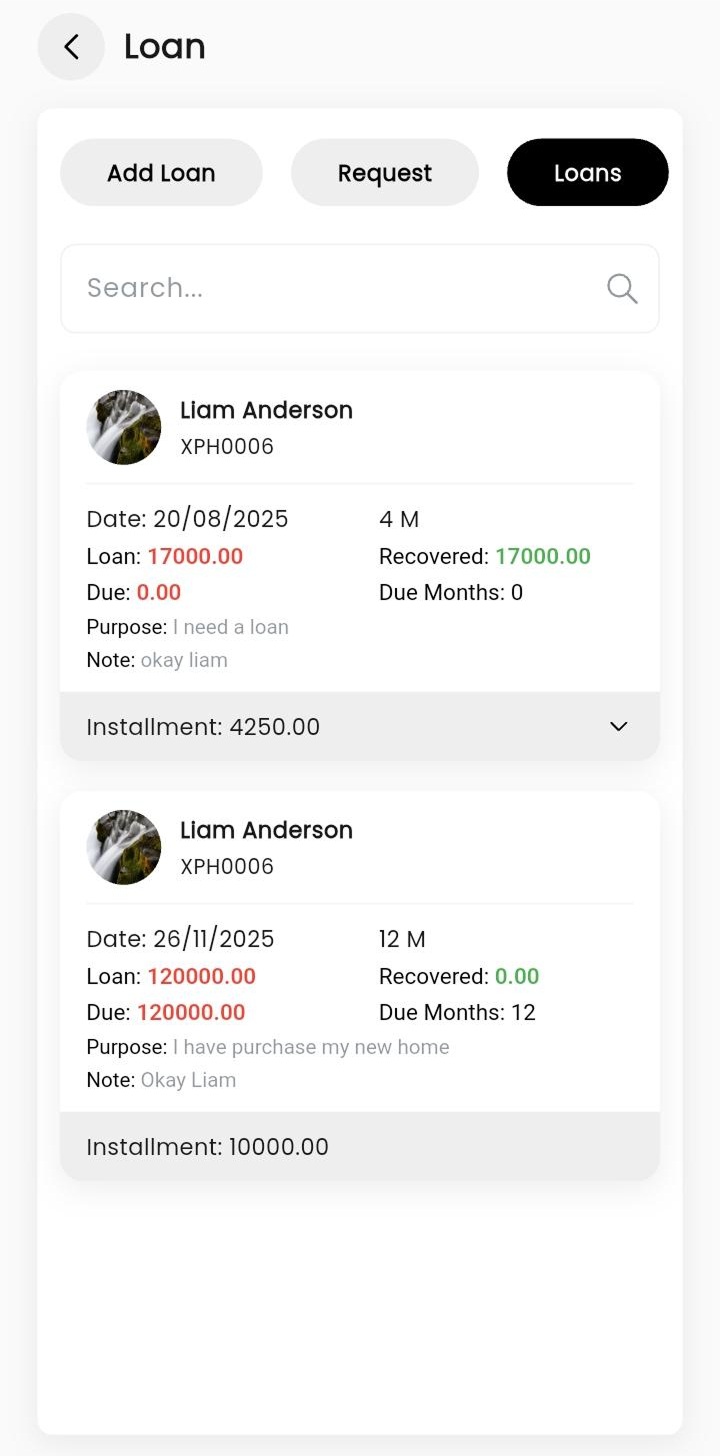
Request a loan with the amount and reason. See if it's approved, and track your monthly payments easily.
Your Company Assets
See what laptop, desk, or equipment the company has given you - with all the details in one place.
How To Start App
Follow these simple steps directly mimicking the app flow to start bidding and securing lucrative projects.
1. Download App
Download the XpressHive app from Play Store or App Store. It's free.
2. Log In
The company will provide your email ID and password to log in.
3. Start Working
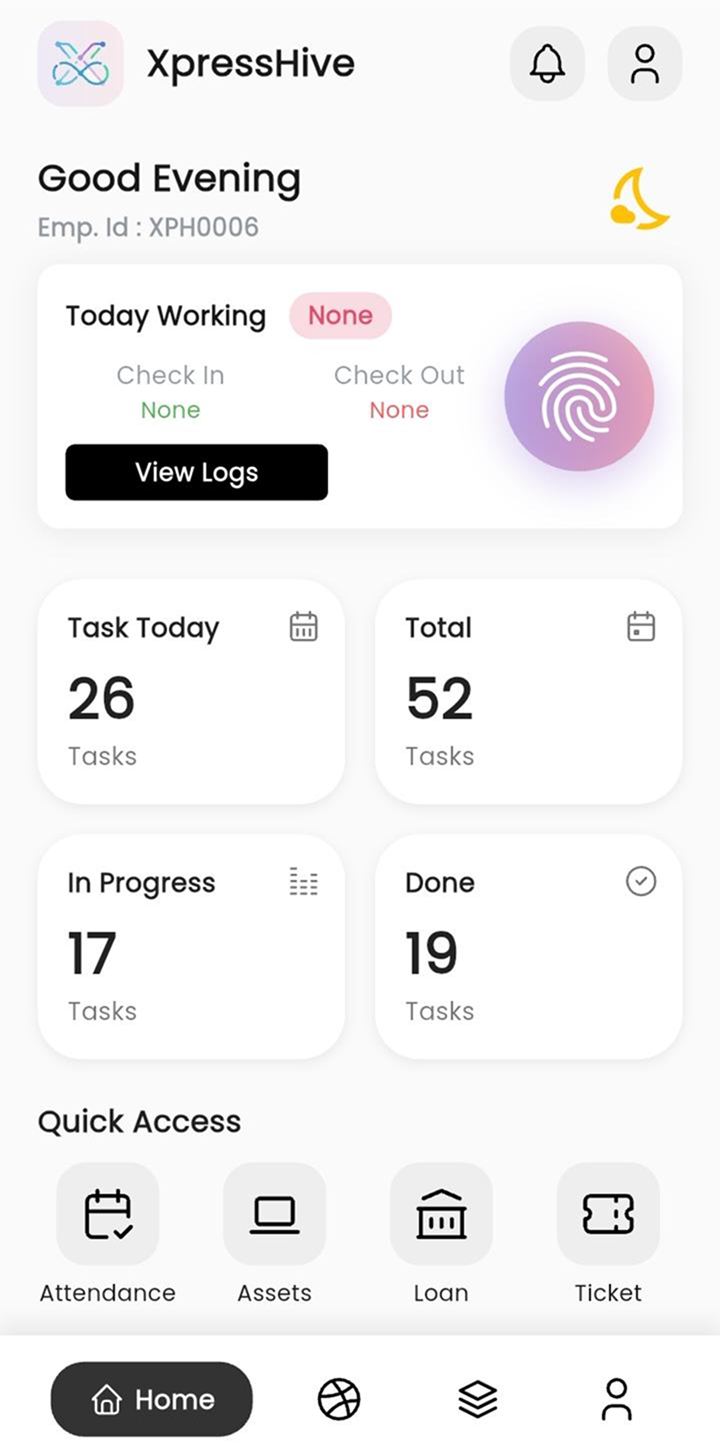
Mark attendance, check tasks, view projects, raise tickets everything is one tap away.
4. Stay Updated
Get notifications when something changes. Track your attendance, task, and team activity.
HR App Screens
Every feature of XpressHive is designed to save you time and help your team succeed.
Everything Your Team Needs in One App
Track attendance, manage leaves, view salary, and stay updated anytime, anywhere.